This document explains how to assign students to be research assistants. A research assistant is able to log into PIPER and have the ability to sign in as an Experimenter. This means that they can create new experiments, create occurrences, assign credit and view evaluations.
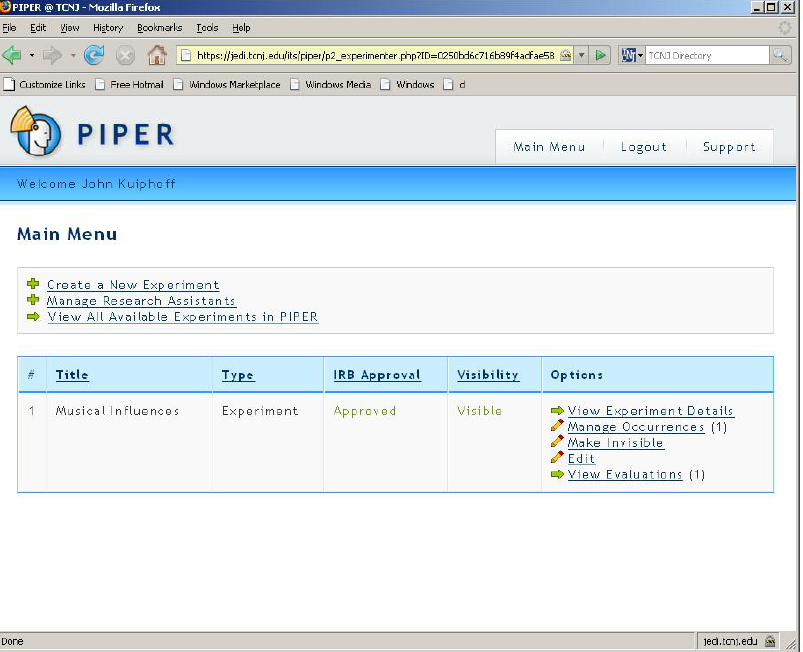
- Log into PIPER using your faculty Unix account. You will see the screen below:
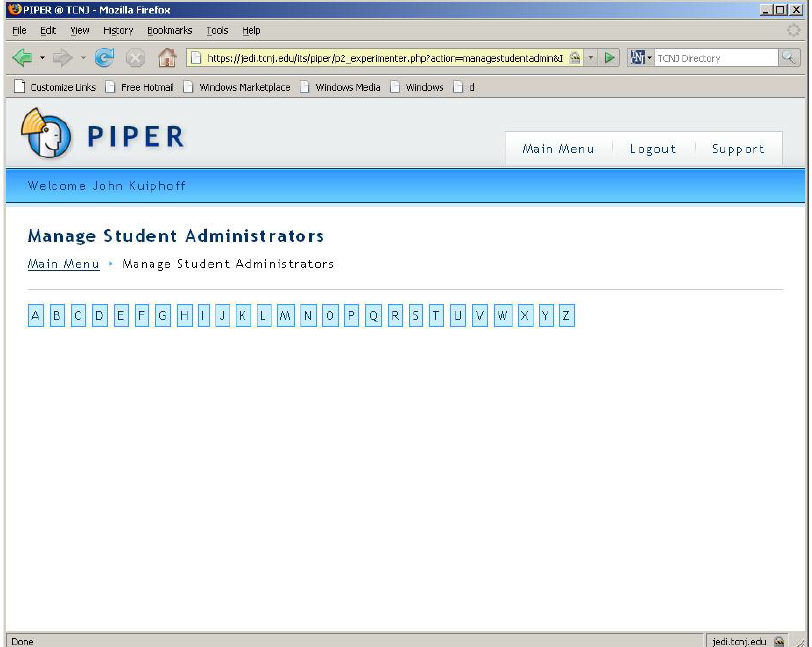
- Click on ‘Manage Research Assistants’. You will see the following:
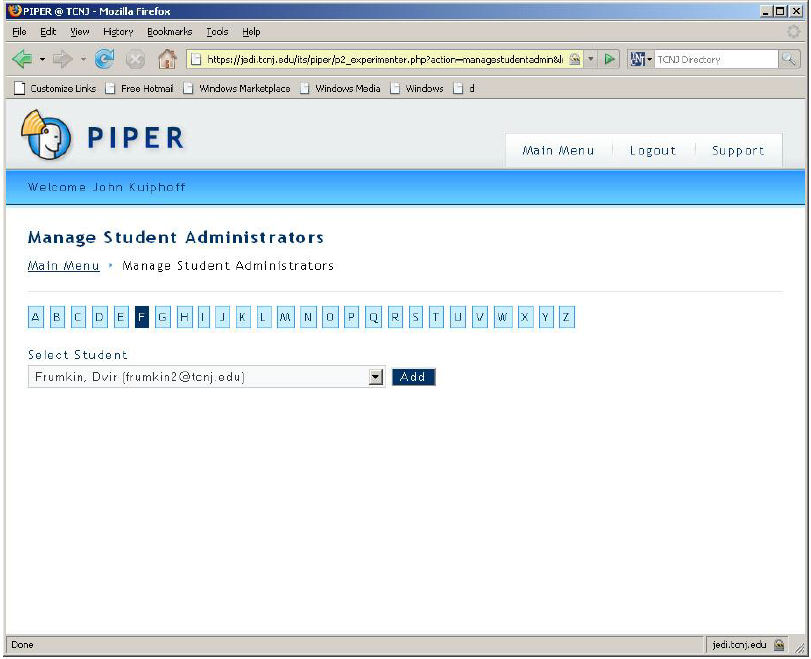
- From this screen you may click on the letter associated with the last name of the research assistant that you would like to include. A screenshot of both are displayed below:
- After you have selected the student assistant, click the ‘Add’ button.