This document describes how experimenters can manage participant credits in the PIPER system.
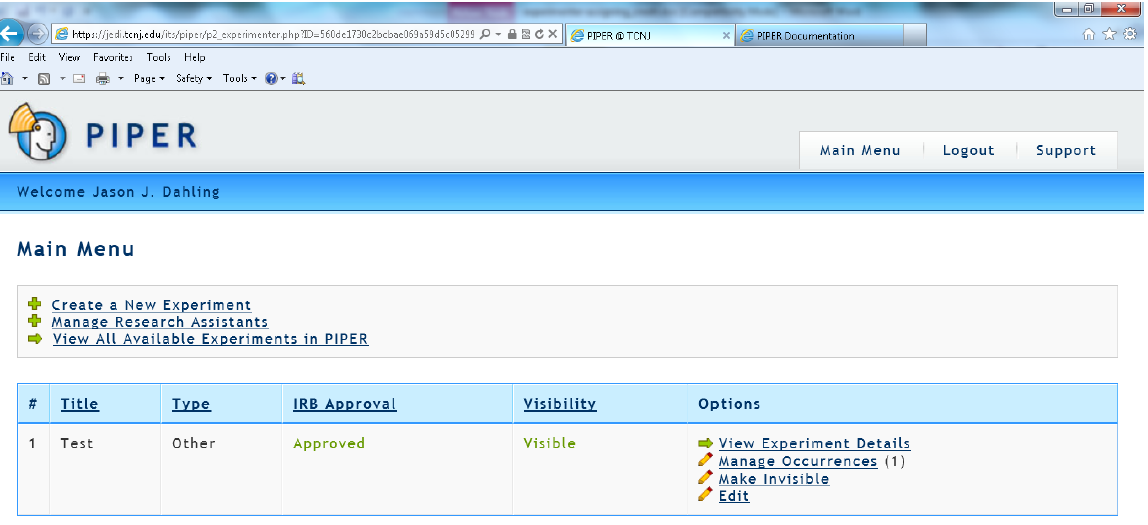
- Log into PIPER using the faculty Unix account. You will see the screen below:
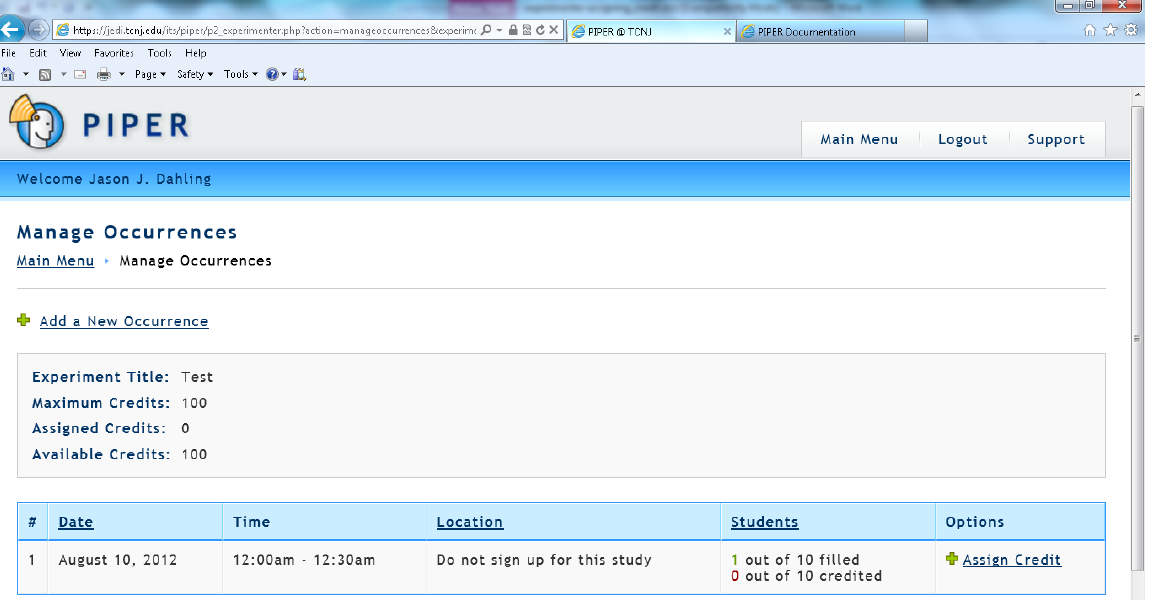
- Click on ‘Manage Occurrences’. You will see the following:
- To assign credit to participants, click the ‘Assign Credit’ hyperlink. From this screen you can view how many students have signed up to participate and how many students have already been credited or received strikes.
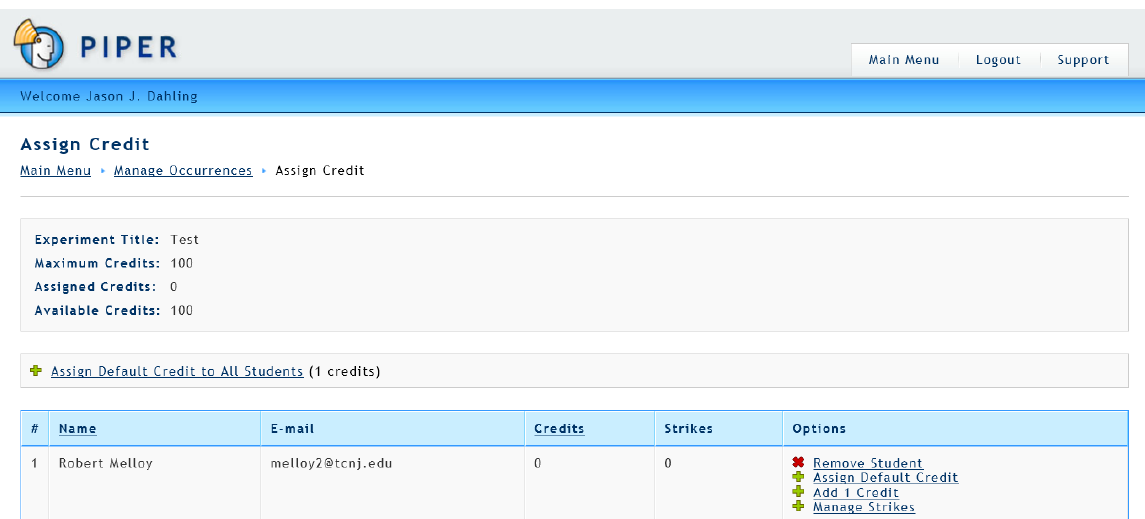
- You now have the option to assign the default credit to ALL students, add the default credit to a single student, add or subtract one credit from a single student, or to remove the student from the experiment entirely. Note that there is no means to deduct credit from participants, so do not add credit unless you are absolutely sure that the participant has earned it.
- Assign Default Credit to All Students: this option will assign the default credit to all students who participate in the occurrence. This is useful when many students participate in a large group data collection and earn the same number of points.
- Assign Default Credit: this option will assign the default credit to a single student.
- Add 1 Credit: this option can be used to tailor crediting if a participant was involved in a study for more time than anticipated.
- Manage Strikes: This option takes you to the strike interface screen. Please see the document in the experimenter manual concerning strikes for details on
this option.