This document explains how to view experiment evaluations. Participants can only fill
out evaluations after they have been credited by Experimenter.
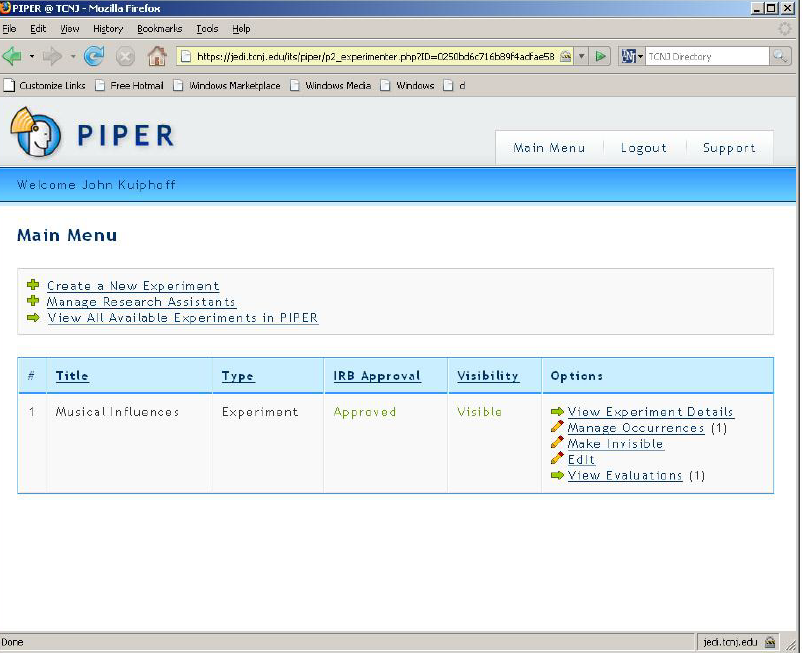
- Log into PIPER using the faculty Unix account. You will see the screen below:
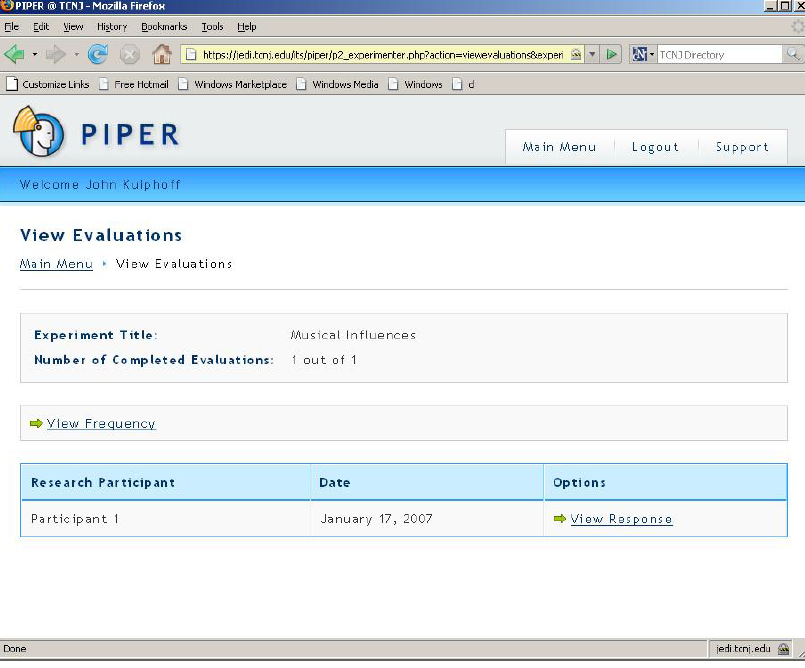
- Click on ‘View Evaluations’. You will see the following:
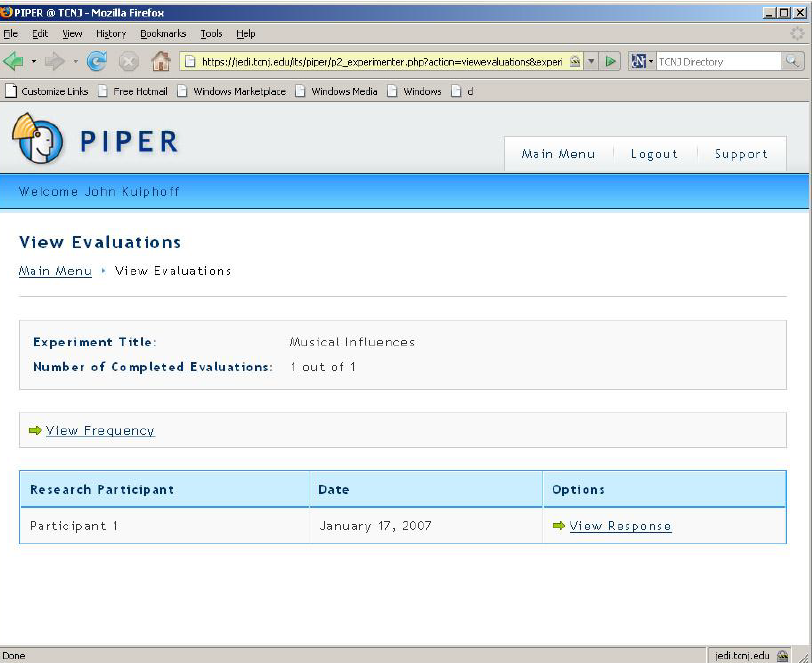
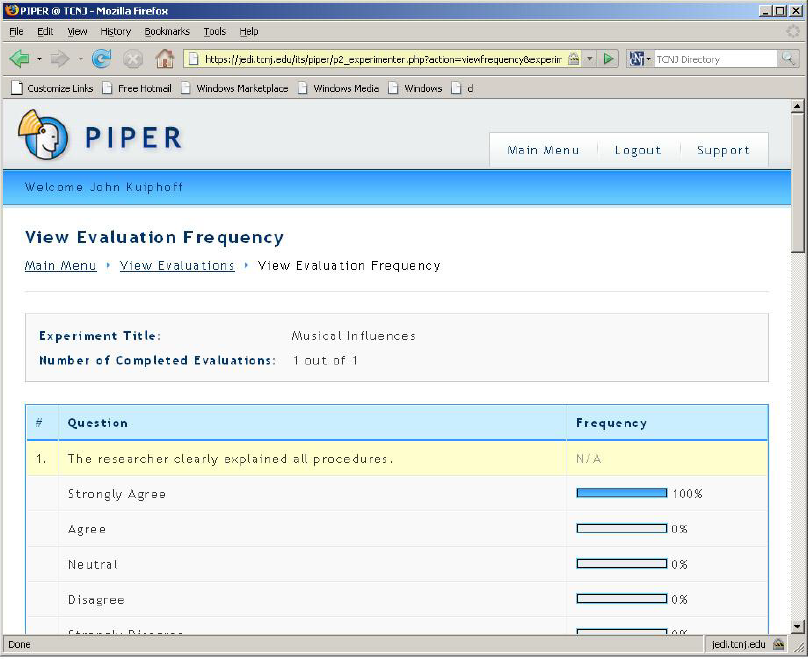
- From this screen you can view the individual responses by clicking on the ‘View Response’ link. You can also get an overview of everyone’s response in a graph form by click on the ‘View Frequency’ link. A screenshot of both are displayed below: